Profile and security
Profile in the sidebar (or Your Profile in the avatar menu) is your personal page — your details, your security settings, and nothing that affects anyone else.
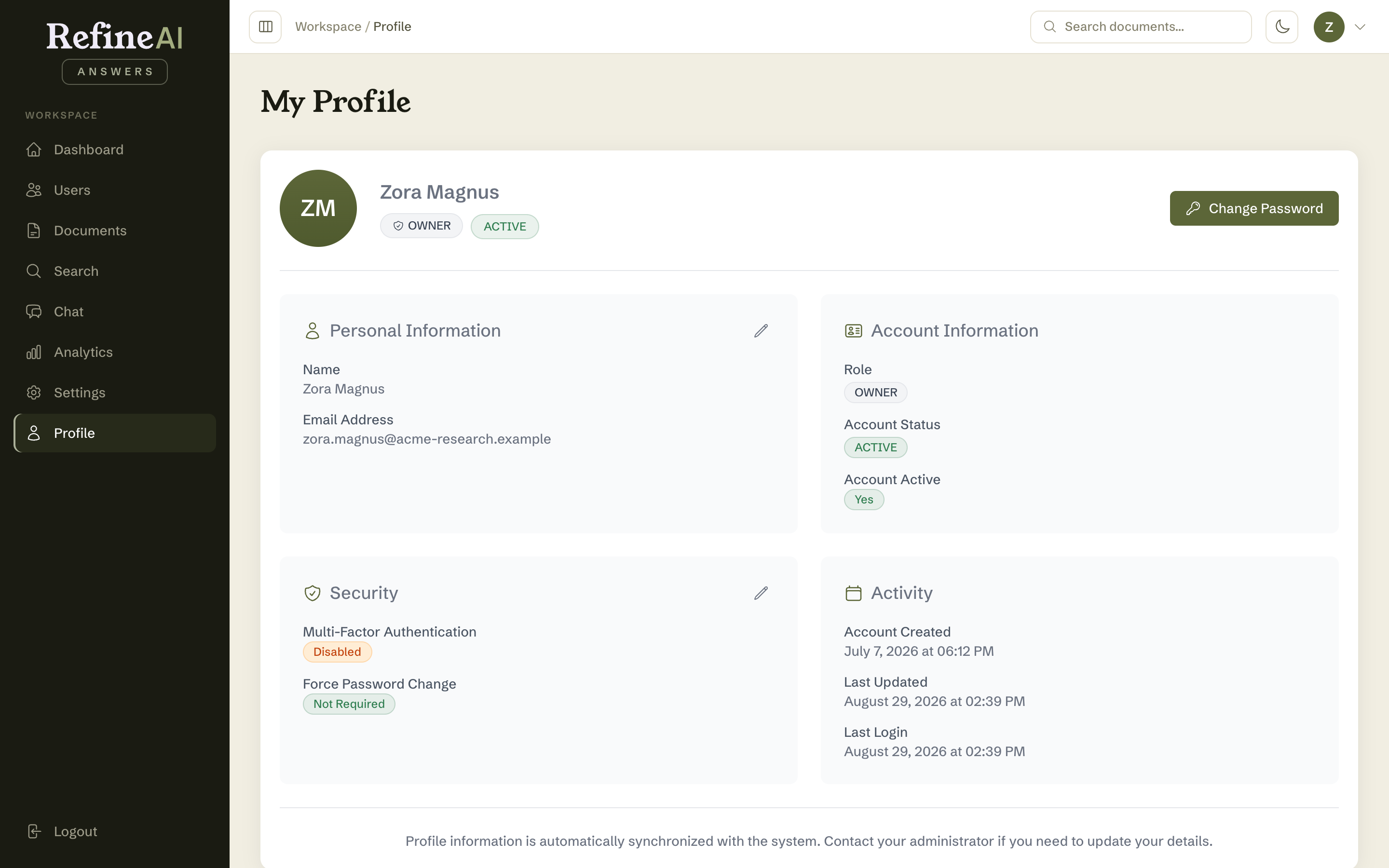
Personal information
Your name, email, organisation and role, account status, and when the account was created. Select Edit to change your name or email, then Save — a confirmation appears when it's stored. Organisation and role are read-only here; those are managed by your administrator.
Security
The security section shows whether MFA is enabled and when your password was last changed.
Changing your password
- Select Change Password.
- Enter your current password, then your new password (minimum 8 characters — the strength indicator will nudge you towards a good one) and confirm it.
- Submit.
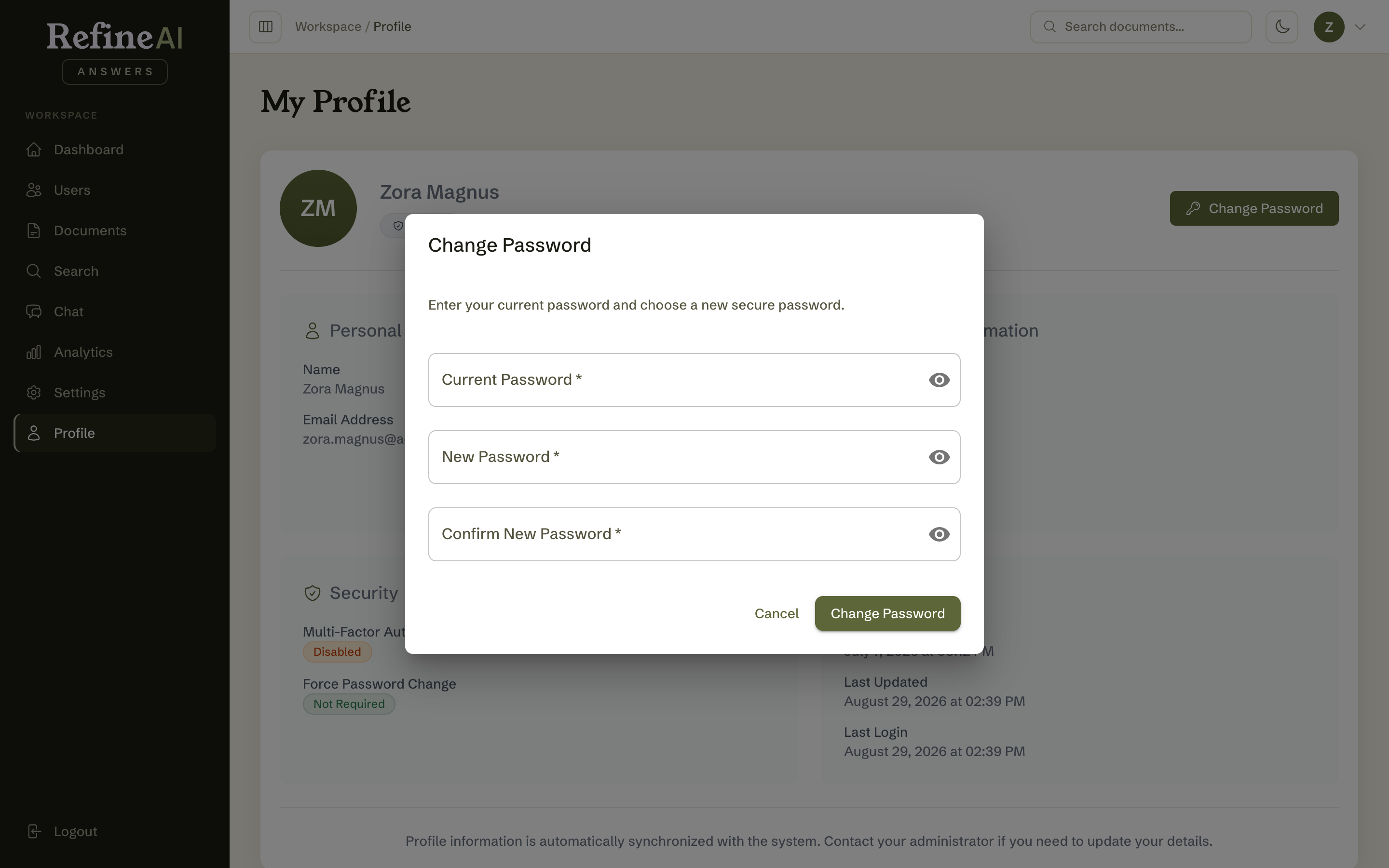
Use a password manager and a password unique to RefineAI Answers. If you've forgotten your current password, sign out and use Forgot your password? instead.
Multi-factor authentication
Toggle MFA to require a 6-digit verification code alongside your password at sign-in. Your administrator may have already enabled it for your account — in some organisations it's mandatory.