RefineAI Answers — User Guide
RefineAI Answers turns your organisation's documents into a knowledge base you can ask questions in plain English — and get back answers that are grounded, cited, and never a guess. Every answer links to the exact passage in the exact document it came from, with an honest confidence rating. If your documents don't contain the answer, RefineAI Answers says so instead of making something up.
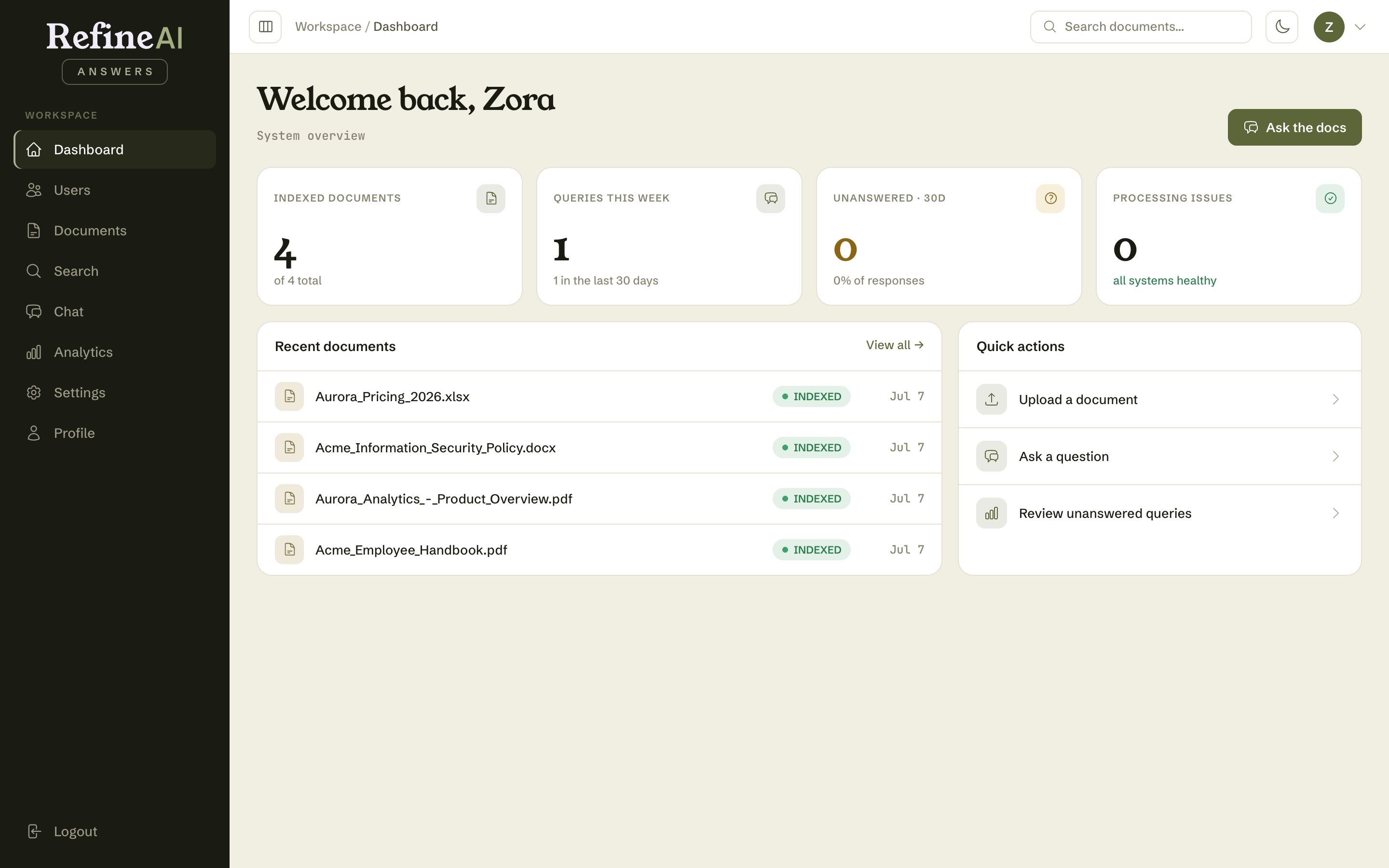
How it works
- Upload documents — PDF, Word, Excel, Markdown, and plain-text files are securely uploaded and stored.
- Content extraction — text is extracted and intelligently chunked for processing.
- Human validation — chunks are validated for accuracy to ensure zero hallucinations.
- Ready for search — validated content is indexed and becomes searchable and chat-ready.
Contents
1. Getting started
2. Documents
3. Asking questions
4. Analytics
5. User management (Admins and Owners)
6. Settings (Admins and Owners)
7. Your account
8. Reference
Screenshots in this guide were taken in a demonstration workspace ("Acme Research"). Your organisation's documents, names, and numbers will differ.