Gap analysis
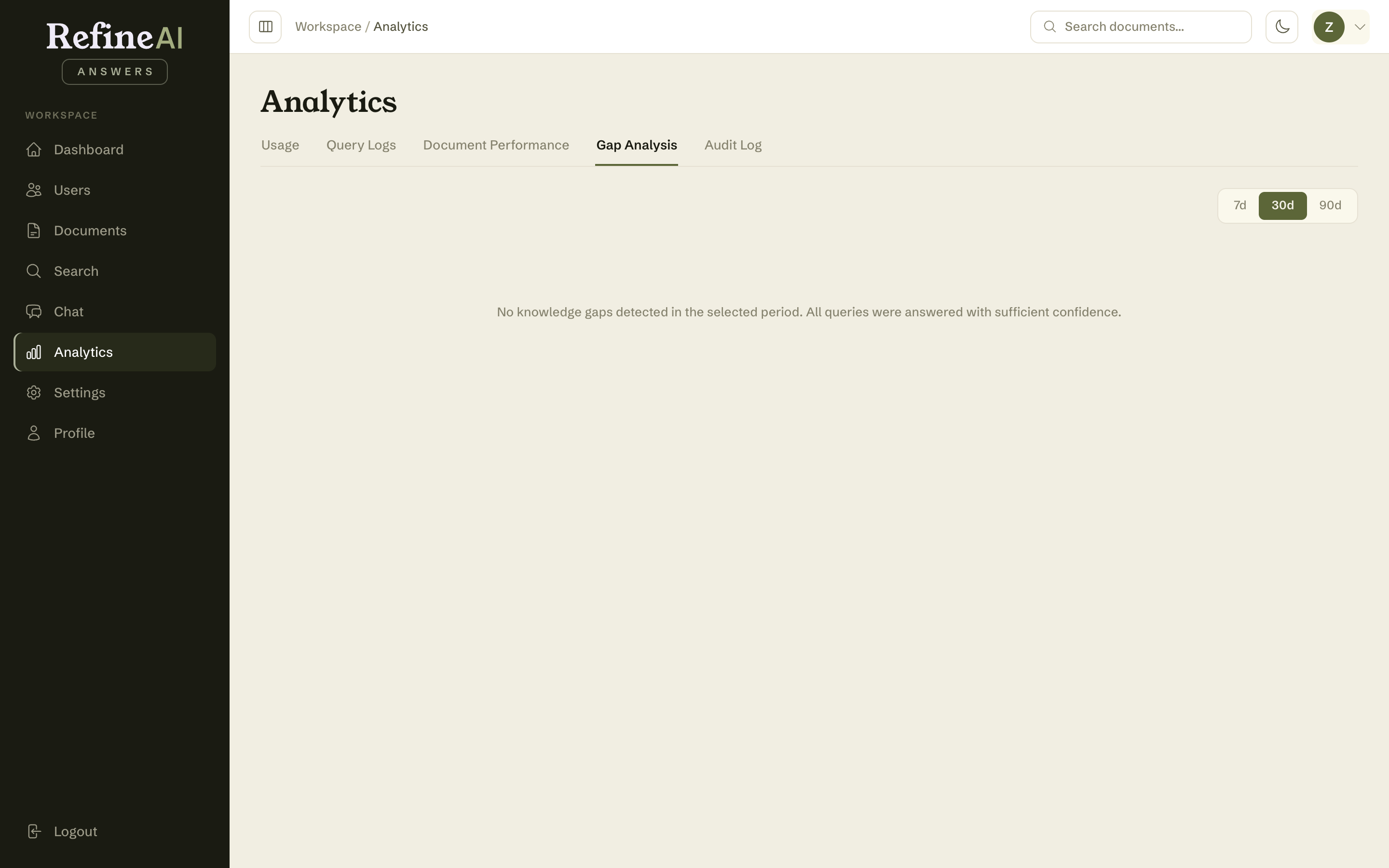
Analytics → Gap Analysis is the to-do list for your knowledge base: the questions people asked that your documents couldn't answer (or answered only weakly). Filling these gaps is the single highest-leverage way to make RefineAI Answers more useful.
Reading the page
The summary cards count:
- Total gaps in the selected period,
- Unanswerable — questions with no supporting content at all (Insufficient Data answers),
- Low confidence — questions answered, but weakly.
Below, each gap shows the query text, how many times it was asked (×N), its confidence classification, the source, and when it was last asked. Repeated questions float to the top — if five people asked about parental leave this month, that's your loudest missing document.
Controls:
- Filter — Both, Unanswerable only, or Low confidence only.
- Time range — 7 / 30 / 90 days.
- Export gaps — download the list as a CSV to review or assign outside the app.
Turning gaps into answers
- Work from the top — repeated gaps first.
- Find or write the document that answers the question (the banner's Upload documents link takes you straight there).
- Once it's INDEXED, ask the question again in Chat to confirm it now answers with confidence.
A gap is not an error. The system refusing to invent an answer is the product working as designed — the gap list is how that honesty becomes an improvement loop.
Next: Audit log →