AI keys
Who can do this: Admins and Owners.
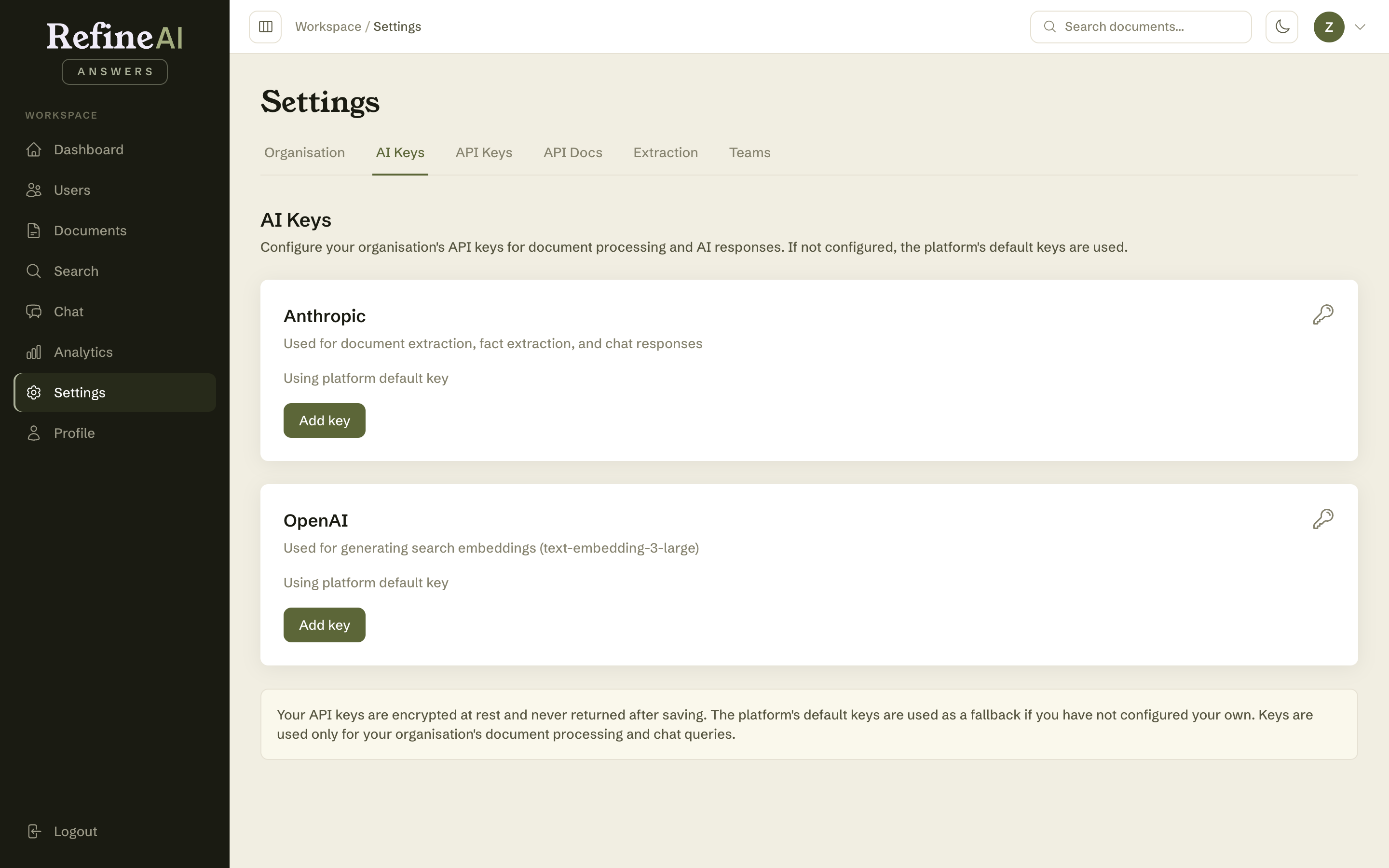
Settings → AI Keys is where your organisation configures its own AI-provider credentials — an OpenAI or Anthropic API key — for the models that read your documents and compose answers.
Why you might add a key
Depending on your contract, your organisation may run on RefineAI-managed AI capacity or supply its own provider account ("bring your own key"). Supplying your own key gives you direct control of the underlying AI spend and lets you use your organisation's negotiated provider terms.
Managing keys
- Paste the key for your provider and save. Keys are encrypted at rest and never displayed back in full.
- Use the test action to confirm a key is live before relying on it.
- Each key shows when it was last used.
- Revoke removes a key immediately.
Security notes: treat AI keys like passwords. Prefer a dedicated provider key for RefineAI Answers (rather than one shared across systems), so it can be rotated or revoked independently. Key changes are visible in the audit log.
Next: API keys →